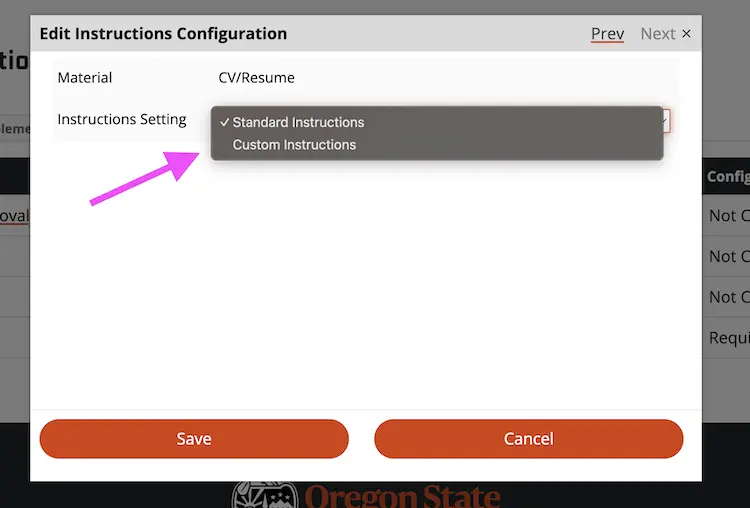
The Slate application allows program staff to add custom instruction text on the CV/Resume page of the graduate application.
- Visit the program management portal.
- Select your program.
- Pick the term you wish to modify.
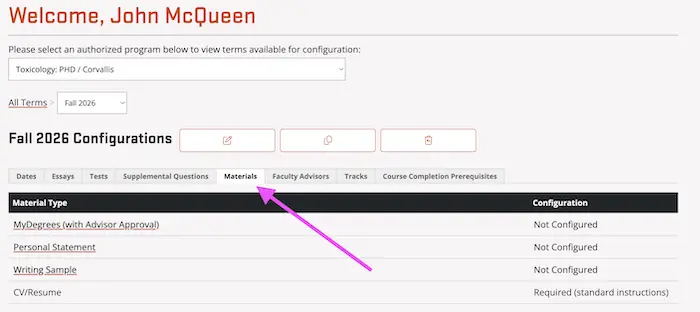
- Visit the Materials tab.
Image
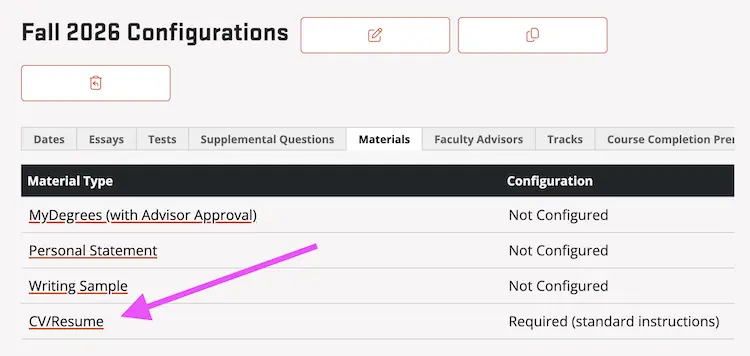
- Click on CV/Resume.
Image
- In the Instructions Setting field, choose Custom instructions. Enter your text and click Save.
Image